
Mastering Precision Setup: A Professional Guide to Using the Center Finder on CNC Routers
About Us / Author:ROCTECH Engineer Team / Published: Jul 13 , 2026 / Last Updated: Jul 13 , 2026
Abstract
In modern CNC machining—whether for woodworking, stone engraving, or metal fabrication—the accuracy of workpiece positioning directly determines the quality of the final output. The center finder, often overlooked by novice operators, is one of the most critical tools for establishing precise reference points on a machine tool. This article provides a technical walkthrough on the proper use of center finders across different CNC platforms, including edge finders, electronic probes, and laser-based systems. It also discusses how manufacturers like Roctech integrate precision alignment into their nesting centers and ATC engraving machines to reduce setup time and improve repeatability. A data table comparing center finder types by accuracy, application, and cost is included for reference.
Industry Background: Why Precision Setup Matters
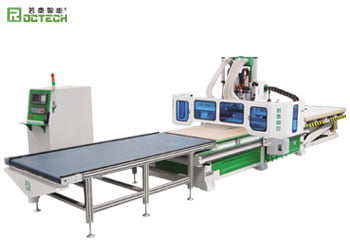
The shift toward automated and lights-out manufacturing in the woodworking and stone fabrication industries has placed unprecedented demands on machine setup accuracy. A typical custom furniture shop running a Roctech RCA1224 automatic nesting center may process hundreds of panels per shift. Each panel requires a zero reference—usually the workpiece corner or center—to align with the machine’s coordinate system. A misalignment of even 0.1 mm can compound over multiple operations, leading to rejected parts, material waste, and costly rework.
Center finders are the primary instruments used to locate the exact center of a round workpiece or the precise edge of a rectangular blank. They eliminate guesswork and ensure that the CNC system’s virtual coordinate origin matches the physical workpiece geometry. Without them, operators rely on visual estimation or manual measurements, which are both time-consuming and error-prone.
Types of Center Finders and Their Operating Principles
The market offers several types of center finders, each suited to specific materials and accuracy requirements. The table below summarizes the main categories, typical accuracy ranges, and recommended applications based on industry practice and equipment specifications.
| Center Finder Type | Typical Accuracy | Working Principle | Best Application | Approximate Cost (USD) |
|-------------------|------------------|-------------------|------------------|------------------------|
| Mechanical Edge Finder (wiggler) | ±0.02 mm | Spring-loaded concentric tip; deflection indicates contact | Metal & wood on 3-axis mills | 20–50 |
| Electronic Edge Finder (contact probe) | ±0.005 mm | Electrical circuit completion upon contact | Precision metal & mold work | 80–200 |
| Laser Center Finder | ±0.1 mm | Crosshair laser projection | Stone, foam, large-format work | 100–400 |
| 3D Touch Probe (Renishaw-style) | ±0.001 mm | Strain gauge or optical trigger | High-end 5-axis & machining centers | 800–3,000 |
| Dial Indicator Center Finder | ±0.01 mm | Mechanical dial with coaxial indicator | Lathe & round stock centering | 30–100 |
As the table shows, the choice of center finder depends on the balance between required accuracy and budget. For most woodworking and stone applications on standard CNC routers, mechanical or electronic edge finders provide sufficient precision at a reasonable cost. However, for high-end five-axis machining centers like the Roctech RCF1325—which can achieve positioning accuracy of ±0.05 mm—a touch probe is often recommended to fully exploit the machine’s capability.
Step-by-Step: Using a Mechanical Edge Finder on a CNC Router
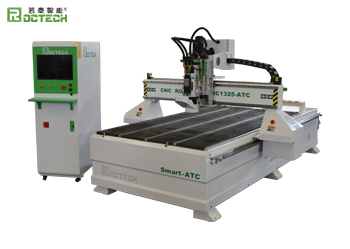
Mechanical edge finders are the most common type in woodworking and stone shops. They are simple, robust, and require no batteries or cables. Here is the standard procedure for locating the center of a rectangular workpiece on a three-axis CNC router, such as the Roctech RC1325S-ATC.
1. Mount the Workpiece Securely
Ensure the material is firmly fixed to the vacuum table or clamped to the T-slots. The workpiece must not shift during probing. For vacuum tables—like the double-layer adsorption table on Roctech nesting centers—activate zone control to hold the panel flat.
2. Install the Edge Finder in the Spindle
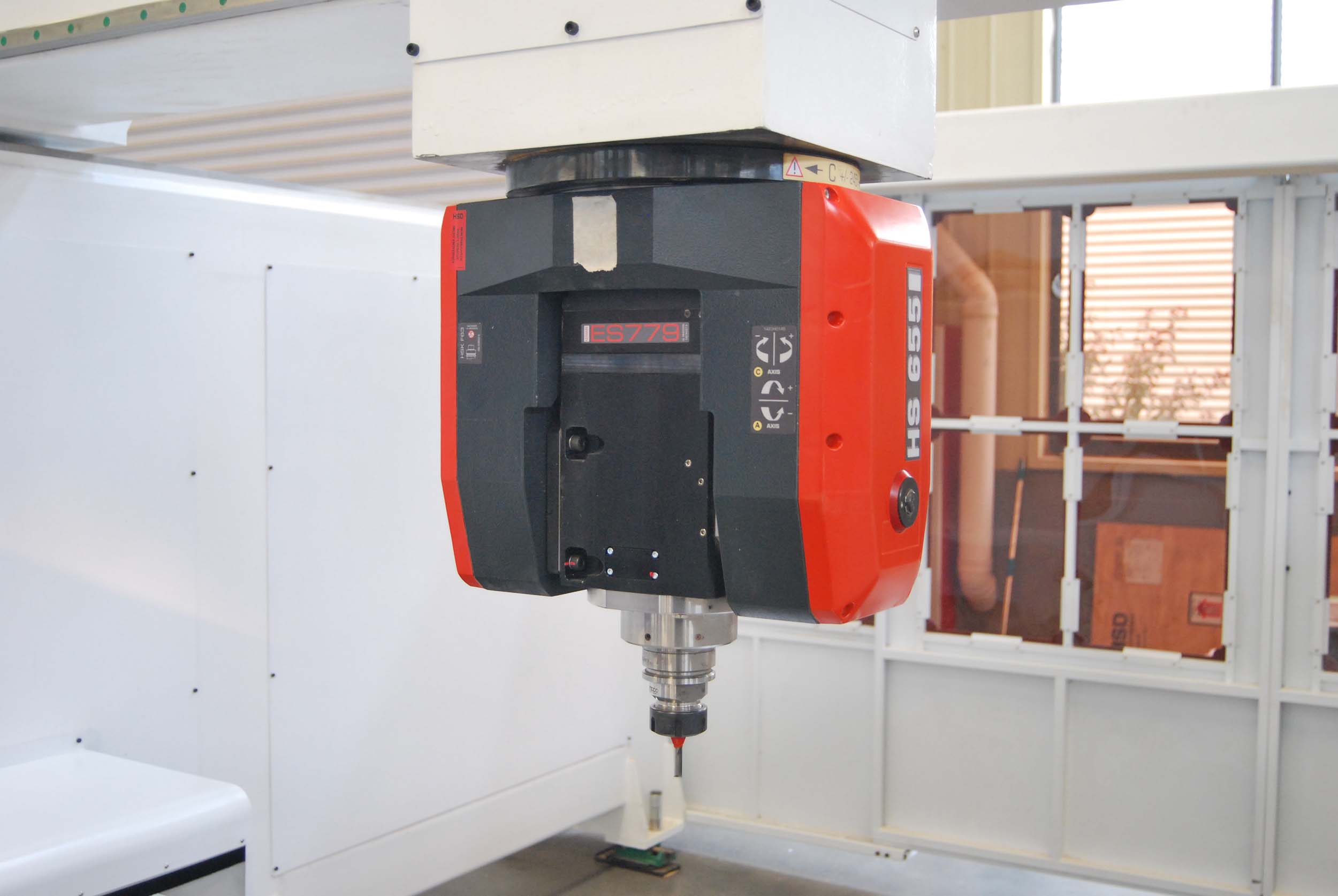
Insert the edge finder’s shank into the ER32 collet and tighten. The edge finder should run concentrically. Spin the spindle manually to verify there is no excessive runout.
3. Set the Spindle Speed
Mechanical edge finders typically operate at 600–1,000 RPM. Higher speeds can cause the spring-loaded tip to retract prematurely. Set your spindle speed accordingly via the control system (e.g., Syntec or Weihong).
4. Approach the Workpiece Edge
Using manual jog mode (G00 or step-by-step), move the edge finder toward one edge of the workpiece. The tip is offset from the center of the shank—typically by
Looking for more information about our CNC machines and services? Contact us today.
Contact